 SnapSong
If you have searched for an app that makes songs from pictures free of charge, you have probably noticed a pattern. Most of the results are not apps at all: they are browser sites. You upload a photo, wait, and then hit a signup wall before you can hear a single note. Or you get one locked preview and a price list. Or the song plays, but the download comes stamped with a watermark and the clean file sits behind a plan you only discover at the end.
None of that is a scam, to be fair. Turning a photo into a real song takes serious computing, so every tool needs a way to pay for it. The difference worth caring about is honesty: does the tool tell you what free includes before you upload your photo and hand over an email, or after? If what you actually want is a photo to music app with no watermark surprise at the finish line, look for one that states its limits upfront.
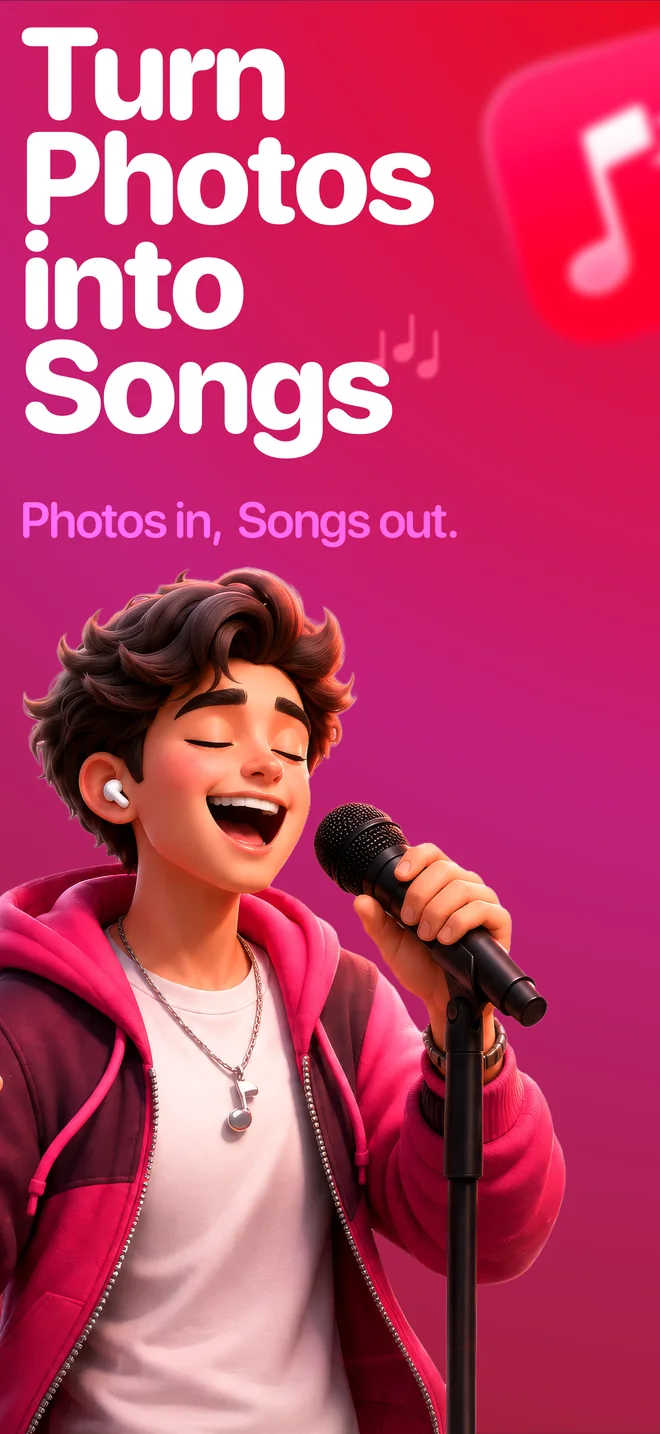
SnapSong tries to be that upfront option. It is a native photo to song app for iPhone and iPad, free to download and free to try, with no account and no signup: your photos and songs are stored locally on your device. Pick a picture and the app reads its colors, people, place and mood, then writes and sings an original song about it, complete with lyrics you can read. If you want more, SnapSong Pro is a subscription, and this page tells you exactly where that line sits.
What free actually gets you
The short version, in plain words:
- Free: download the app, pick a photo and try song creation for yourself. No account and no email. Your photos and songs stay saved locally on your device.
- SnapSong Pro (subscription): unlocks more song creation, full song playback, downloads, faster generation and two AI versions per photo.
- The subscription auto-renews until you cancel it in your App Store account settings.
Reading that list honestly: downloads and full playback are Pro features, so treat free as a real test drive rather than the whole product. But it is a genuine test drive, with your own photo and a real generated song, not a demo video or a locked sample. That is the part most free tools skip.
How to do it with SnapSong
- Download AI Music Maker: SnapSong from the App Store. It is free to install and there is no account to create.
- Pick a photo. Take one with the camera or choose one from your library: a pet, a sunset, a birthday table, any moment works.
- Add optional keywords. A name, a feeling, a memory or a style helps guide the AI, and you can choose from more than 50 music styles, from pop and rock to rap and acoustic.
- Start the song and wait about 2 to 5 minutes. Progress shows in real time on the Lock Screen and Dynamic Island, so you can switch to another app meanwhile.
- Listen, read the full lyrics, and save or share the result through the iOS share sheet.
What to expect, honestly
A few things worth knowing before your first song. Generation needs an internet connection: the analysis and the music happen in the cloud, and the finished song is then kept on your device. Results vary with the photo: a clear subject and a strong mood give the AI more to work with than a dark, blurry frame.
Lyrics arrive in English, Portuguese, Spanish, French or German, auto-detected from your device language. The app requires iOS 18.0 or later on iPhone or iPad. And if you plan to use a song commercially, check the Terms of Use first rather than assuming.
The fastest way to answer the question in the title is to try it: pick one photo and hear what comes back.

 AI Music Maker: SnapSong, free on the App Store