 SnapSong
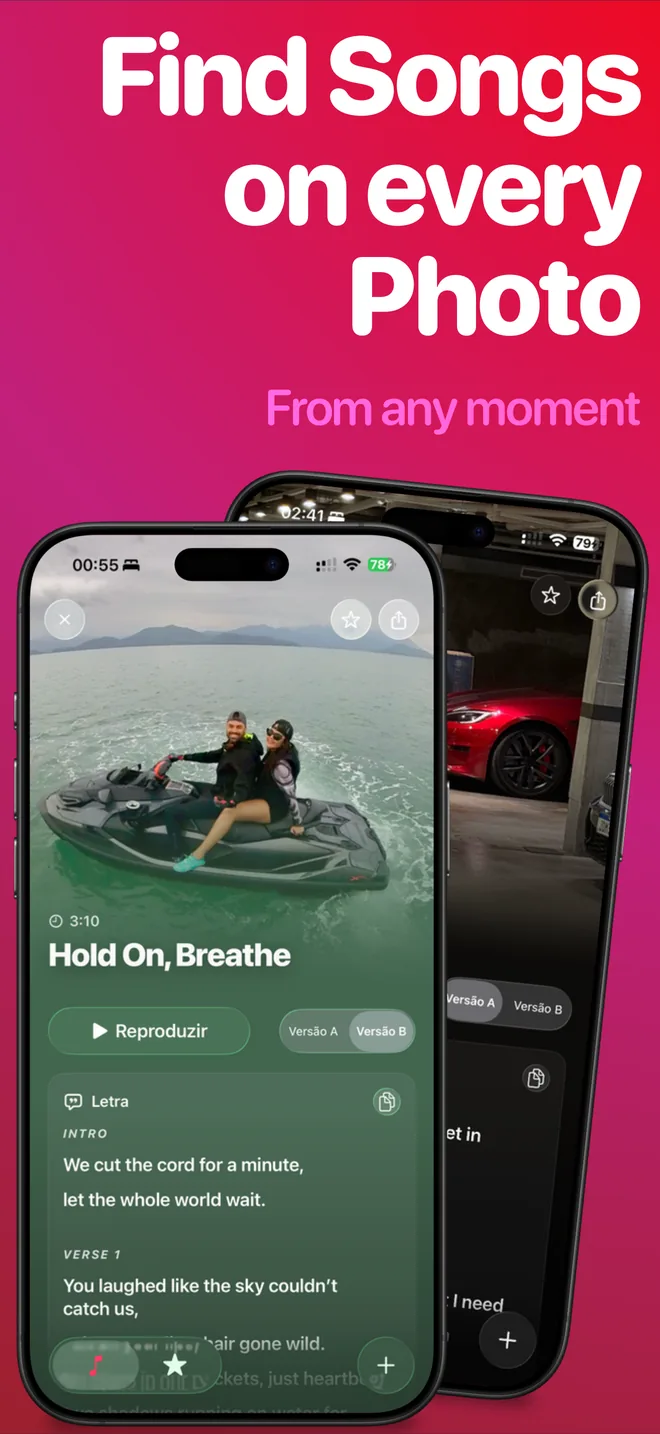
To make a personalized happy birthday song for someone, start with a photo of them instead of a blank text box. An AI birthday song generator that works from images, like SnapSong on iPhone, reads the people, place, colors and mood in the picture and turns them into original lyrics, a melody and real vocals. You add the person's name and a word like birthday as keywords, pick a music style, and the finished song arrives in about 2 to 5 minutes.
Most birthday song generators are text-prompt web tools: you type a description of the person and hope the AI gets it. A photo carries the personality for you. A childhood picture, last year's cake moment or a shot of the party table already says who this person is and what the day feels like, so the song comes out about them, not about birthdays in general.
That difference is what makes it work as a gift. A personalized birthday song with the name of the person and a nod to a real memory lands in a way one more round of Happy Birthday never will. Play it when the cake comes out, drop it in the family group chat, or send it along with a card.
How to do it with SnapSong
-
Pick a photo of the birthday person
In SnapSong, choose a picture from your library or take a new one. A childhood photo, a party scene or a favorite recent shot all work.
-
Add their name as a keyword
Keywords are optional, but the name is what makes the song personal: it guides the AI toward lyrics about this person, not just any birthday.
-
Add birthday and a feeling
Type a word like birthday, plus a mood such as fun or emotional, or a short memory you want the song to touch.
-
Choose a music style
Pick from more than 50 styles: pop, rock, rap, acoustic and others. Match the style to the person, not to the party.
-
Generate and wait a few minutes
The song is ready in about 2 to 5 minutes, with vocals, melody and full readable lyrics. You can follow the progress on your Lock Screen and Dynamic Island.
-
Play it at the party or share it
Save the song on your device and share it through the iOS share sheet: the group chat, a message, or straight to the party speaker.
Tips for a better birthday song
Childhood photos and party scenes work especially well. Candles, balloons, cake and smiling faces give the AI clear signals about the occasion, and an old picture of the birthday person adds instant emotion to the lyrics.
Keep the keywords short and specific: the name, the word birthday, and maybe one memory or inside joke. A few strong hints beat a long list.
Generate the day before, not at the table. Two to five minutes feels long when everyone is waiting for cake. Make the song the night before, listen to it once, and press play at exactly the right moment.
One more detail: lyrics come out in English, Portuguese, Spanish, French or German, detected automatically from your device language, so the song sings in the language the birthday person actually speaks.
What to expect
SnapSong is free to download and try. SnapSong Pro, a subscription, unlocks more song creation, full song playback, downloads, faster generation and two AI versions per photo. You need an internet connection to generate a song.
Results vary with the photo. A clear subject and a visible mood help; if the first song is not quite right, try different keywords or another picture of the same person. Your photos and finished songs stay stored locally on your device, and the photo is only analyzed when you start a song.
Ready to try it? The next birthday on your calendar is a song waiting to happen.

 AI Music Maker: SnapSong, free on the App Store